 Fedigest
A front page for the threadiverse, picked by people
Fedigest is a small website you host yourself. Your curators pick posts from Lemmy, PieFed and Mbin, say why each one is worth reading, and publish them as one newest-first page. The conversation stays where it started.

How a post gets picked
- Paste a link to a post on any Lemmy, PieFed or Mbin instance. Fedigest fills in the title, text, image, author and community.
- Say why it matters. Write a short excerpt for the front page and as much as you like for the post itself, or keep the original post as the body.
- Publish now or at a time you set. Comments load live from the original thread, and readers can open the post on their own instance to vote and reply.
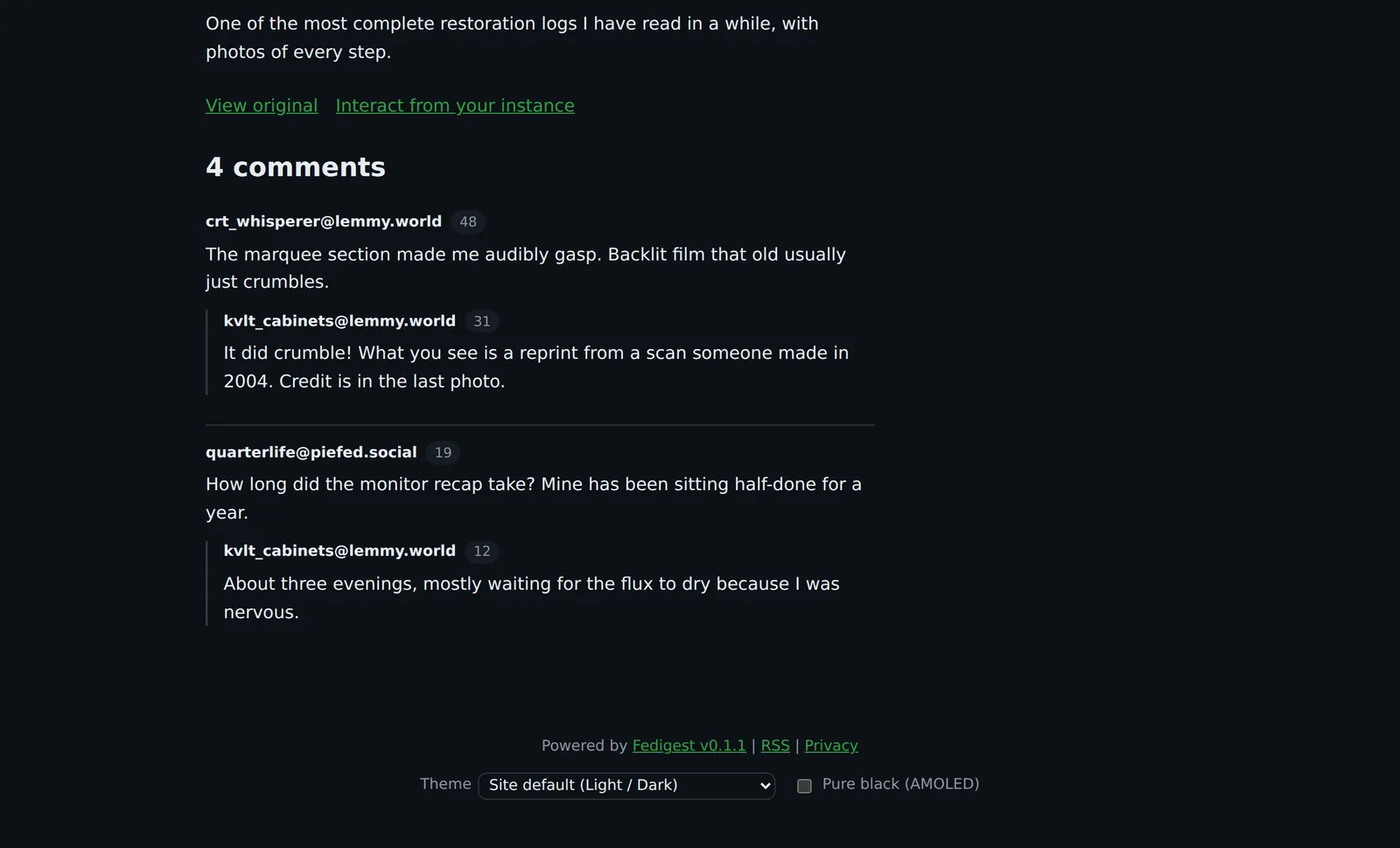
What's in it
For readers
- No account, no ads, no trackers and no third-party scripts
- Comments straight from the original thread
- One click to the same post on your own instance
- RSS for the whole site and for each category
- Light, dark or automatic, plus a pure black option for OLED screens
For curators
- Paste a link and the rest fills itself in
- Drafts, scheduled posts and pinned posts
- A warning when a post has already been picked
- Several categories per post
- Your own author page and avatar
For admins
- Watch a community, a person or a whole instance, and review what comes in or publish it automatically
- Admin and curator accounts, created by invitation only
- Search, sitemap, link previews and a privacy page out of the box
- View counts per post, without cookies
Themes
Fifteen built-in themes: Light, Dark, Dim, Sepia, Newspaper, Solarized, Nord, Terminal, High contrast and more. Most come in a light and dark pair, so the site follows each reader's device, and readers can pick their own from the footer.
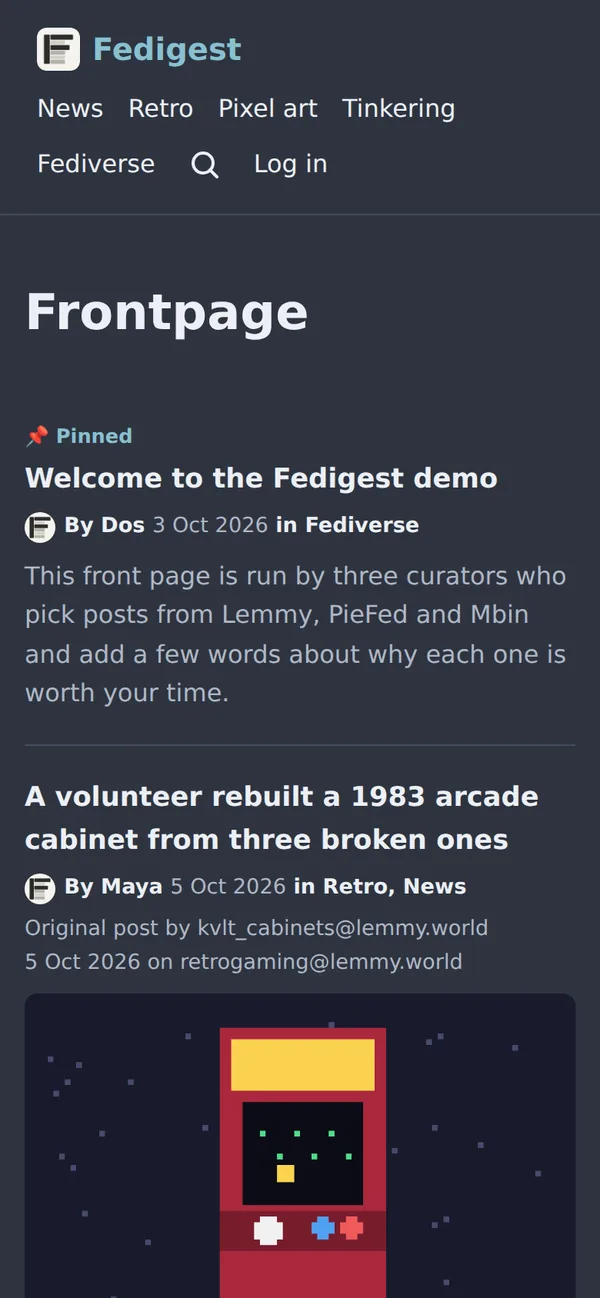
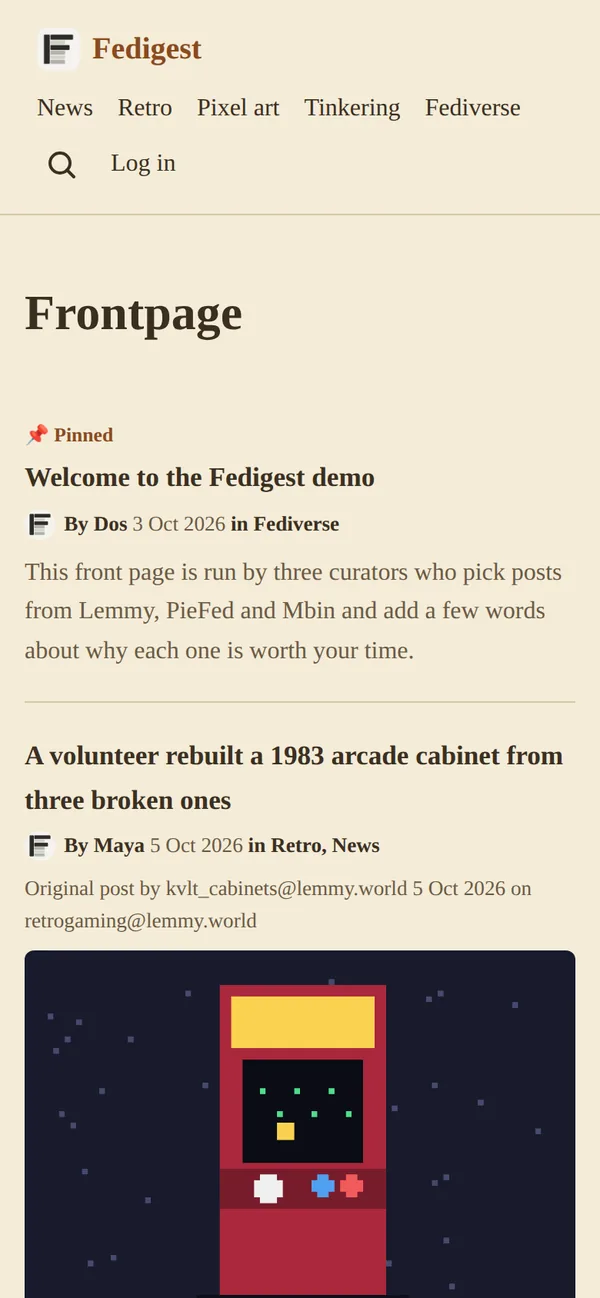
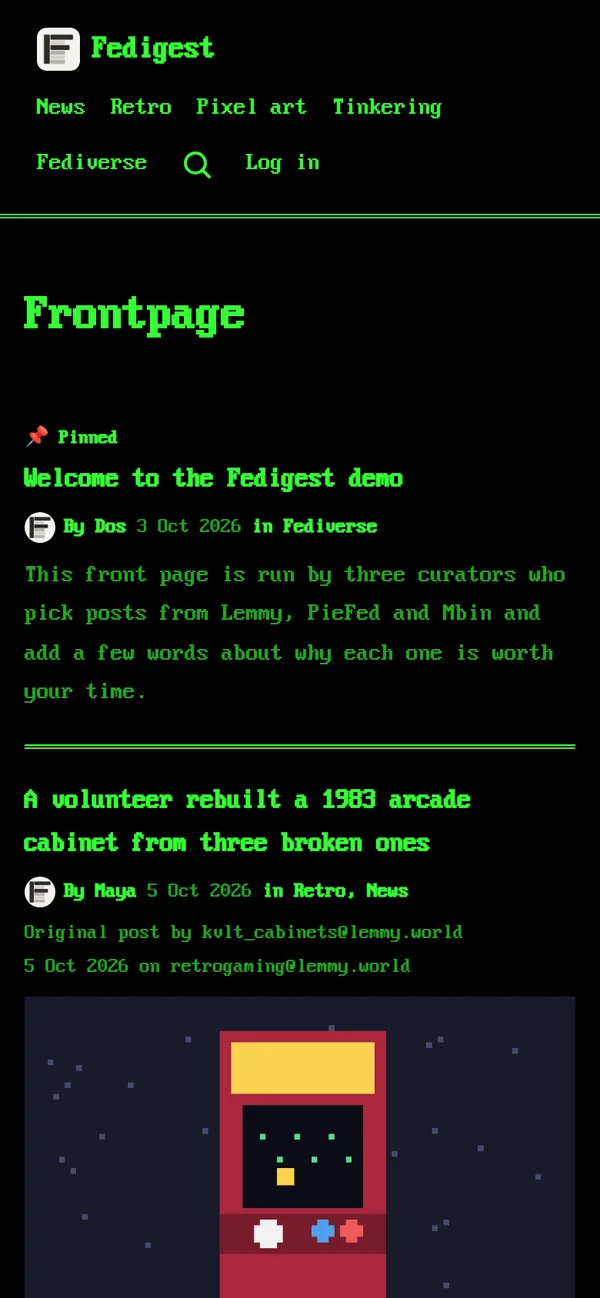
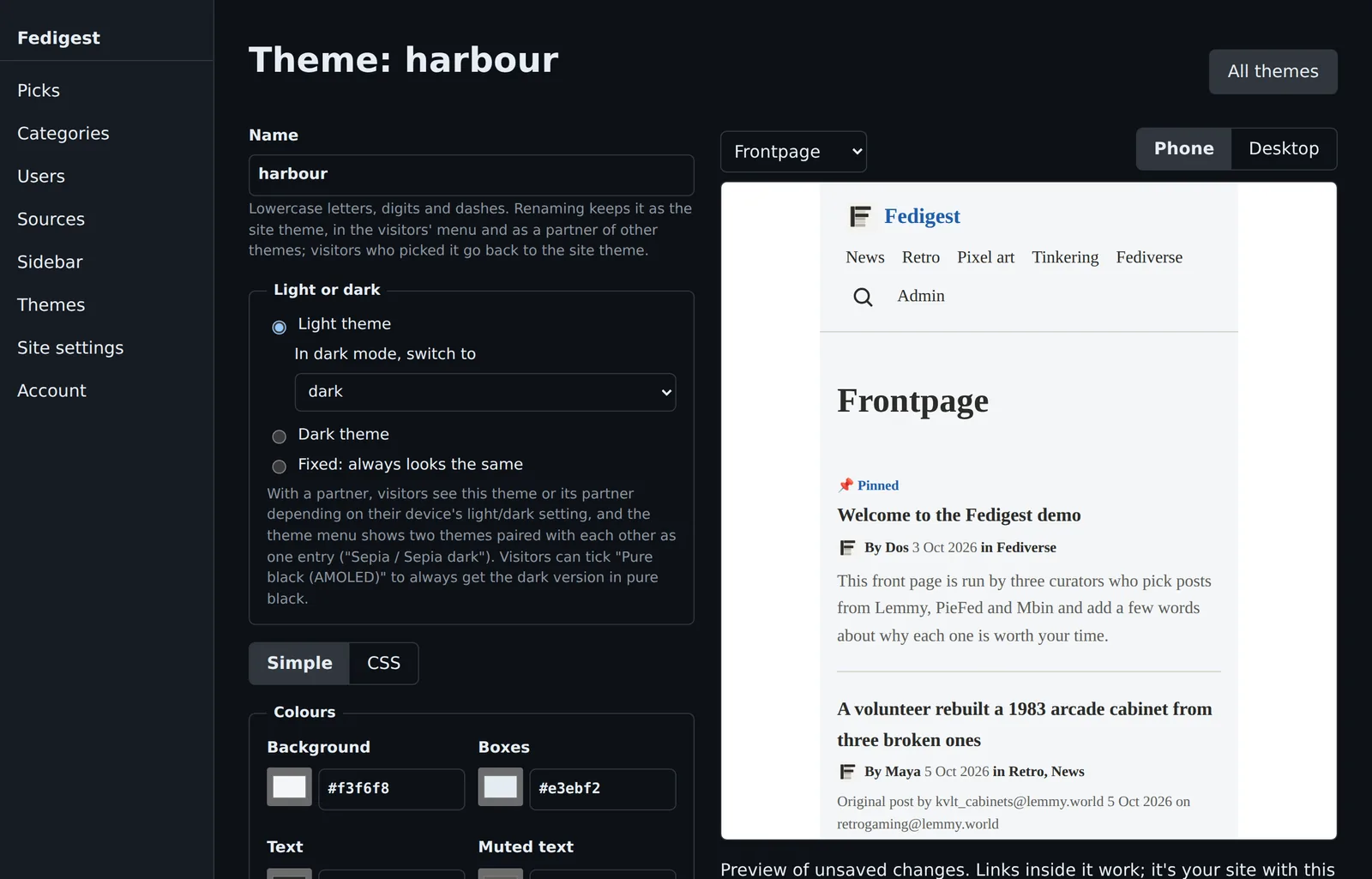
Or make your own: copy a theme and change its colours, font, corners and buttons, with a live preview of your site.
Install
Fedigest is one small container with its database built in. You need a server with Docker Compose, a domain name, and a web server such as Caddy in front of it for HTTPS.
# unpack the release and configure it
tar xzf fedigest.tar.gz && cd fedigest
cp .env.example .env
nano .env            # set SITE_NAME and SITE_DOMAIN

# build and start
docker compose up -d --build

# the first admin password
docker compose logs app | grep -A2 "First-run"
Everything else, from categories to themes, is set up in the browser. To update later, run ./deploy.sh: it backs up your data first and puts the previous version back if the new one doesn't start.